You are currently viewing Eric’s 1913 Mercer Raceabout and Model Making

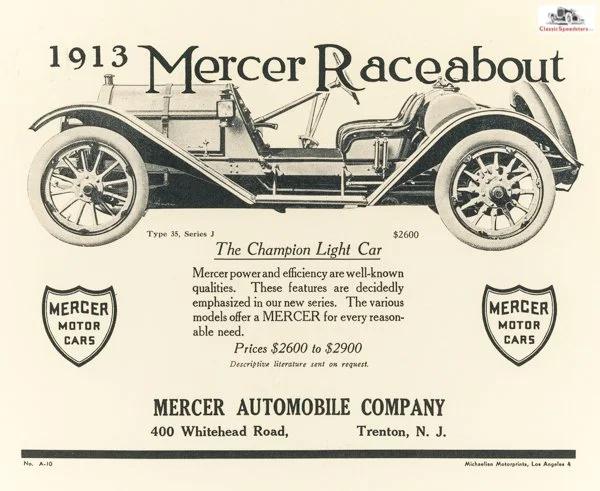
Eric’s 1913 Mercer Raceabout and Model Making

This page showcases Eric’s model project and lists a set of tools that can help you start a project of your own.

Eric, a member of the SacL5 Society, has taken on a hands-on project that blends history, craftsmanship, and engineering: machining a small-scale replica of a classic Mercer automobile. Starting from photographs and working through detailed CAD drawings, he’s building the model from scratch—not from a kit—piece by piece.

That’s where the real value (and fun) comes in, especially for younger people. Projects like this invite curiosity and reward persistence. Instead of snapping pre-made parts together, Eric has to think through dimensions, materials, tolerances, and assembly—learning how things truly fit and function. It’s a kind of creative problem-solving that turns “how does this work?” into “I can build this.”

For anyone interested in engineering, design, or just making things with their own hands, this kind of project offers a satisfying challenge and a tangible result—something you don’t just assemble, but genuinely create.

Thanks to the National Automobile Museum in Reno for access to the Mercer, and for allowing close-up measurement and photography.

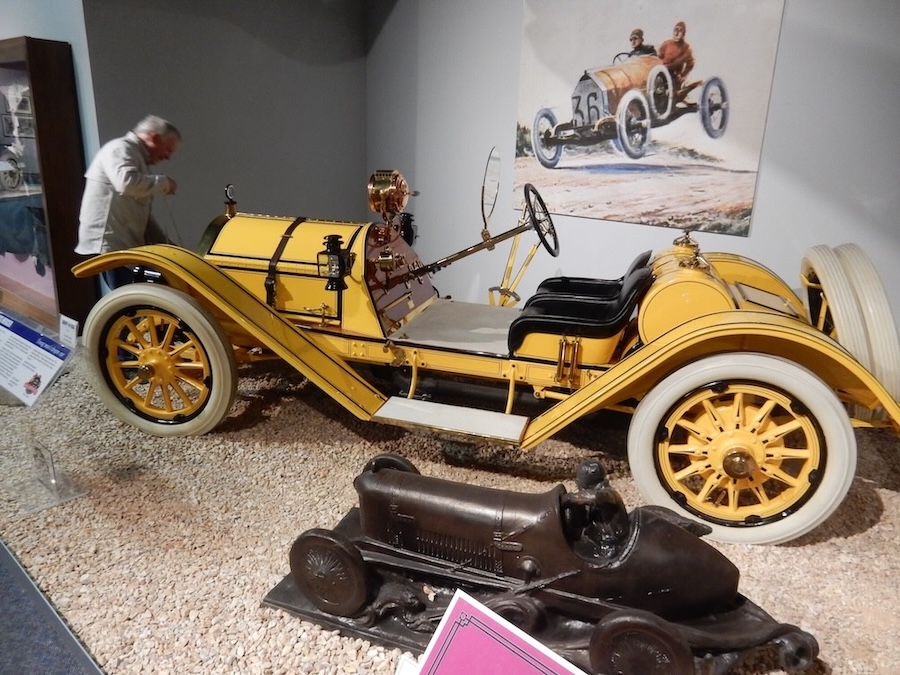
Eric is standing beside a large vintage Mercer automobile, carefully photographing it from close range. He’s documenting fine details: the contours, proportions, and mechanical features, so he can later machine a precise small-scale replica as a home hobby project. The bright yellow Mercer, with its exposed components and classic early automotive design, serves as both his subject and inspiration.

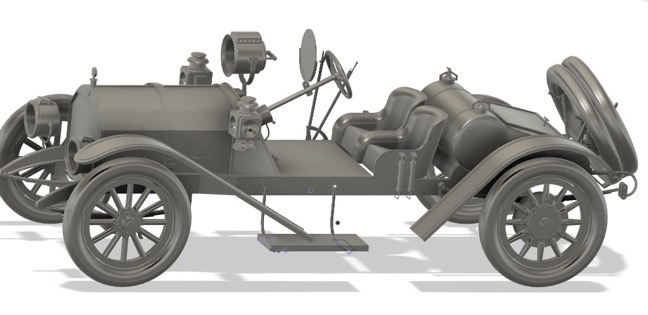
This full, assembled CAD model of the Mercer, that Eric drew, gives him a complete, coherent view of how every part of the car fits together in three dimensions. Unlike individual measurements or partial drawings, this model lets him see the entire structure—frame, wheels, engine placement, seating, and linkages—as a unified system.

For his small-scale machining project, this is essential. It allows him to check clearances, verify proportions across the whole vehicle, and understand how parts interact before committing to fabrication. He can virtually “build” the car first, catching alignment issues or interferences that wouldn’t be obvious from photos or 2D sketches alone.

In short, the full CAD model acts as Eric’s master blueprint—guiding not just the shape of each component, but the correct assembly and overall integrity of the finished replica.

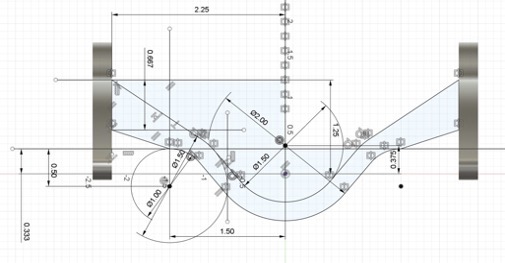
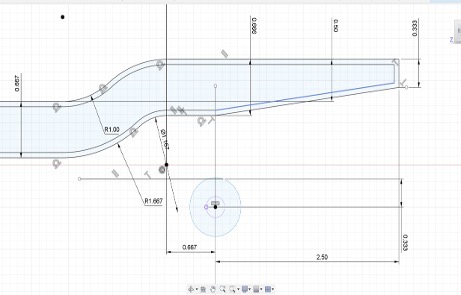
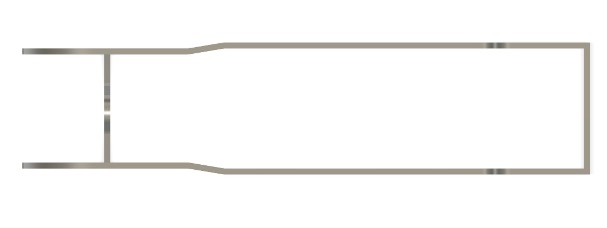
More CAD drawings act as precise geometric references to translate the visual details of the Mercer automobile into machinable parts. While photographs give him overall shape and appearance, they don’t provide exact dimensions, radii, angles, or spatial relationships between components. This drawing captures those critical measurements—curves, offsets, and alignments—so he can accurately reproduce the form at a smaller scale.

For a hobby machinist, especially one aiming for a faithful replica, guesswork isn’t good enough. The CAD layout lets Eric verify proportions, ensure parts will fit together correctly, and plan tool paths or fabrication steps before cutting any material. In short, it bridges the gap between observation and precise physical construction.

Tools for your developing talent

If you’d like to give a project like this a try, take a look at the tools below.

At first glance, it will look like like an overwhelming jumble of ideas, and unfamiliar processes—but if you relax a bit and take small steps, it starts to sort itself out. Your ideas shape what you build, and what you build feeds back into your ideas. You don’t need the whole plan upfront—you just need to take that first step.

Even a rough start gives you something real to react to and improve. And yes, ChatGPT can help here—kick around approaches, suggest next moves, and help you get to that first real “hey, I made something” moment.

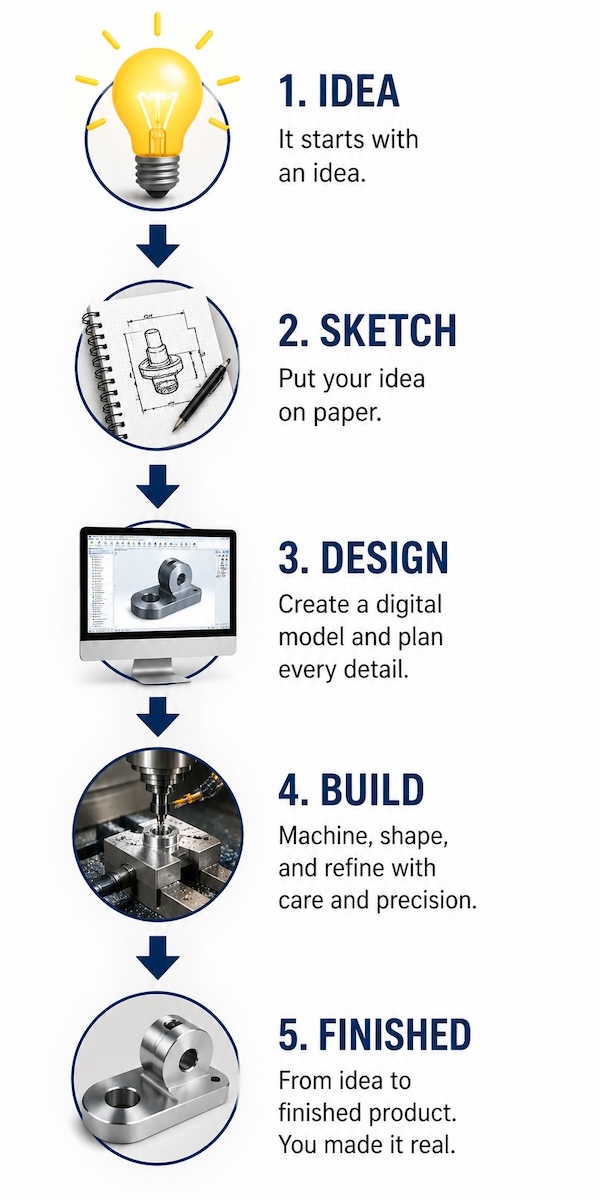
This isn’t a step-by-step manual. Think of it as a set of tools you’ll reach for once you can picture—even loosely—what you want to make. You’ll move incrementally: an idea turns into a sketch, the sketch into a model, and the model into something you can actually shape. Along the way, you’ll hit a learning curve. You’ll try things, mess a few up, fix them, and get a little better each time. That’s not a problem—that’s the process. These tools aren’t a rigid sequence; they’re capabilities you circle back to as your project—and your thinking—take form

And no worries: “What if I mess up?” Well, you’ve never done it before, it’s not an excuse, it’s expected!

CAD Software

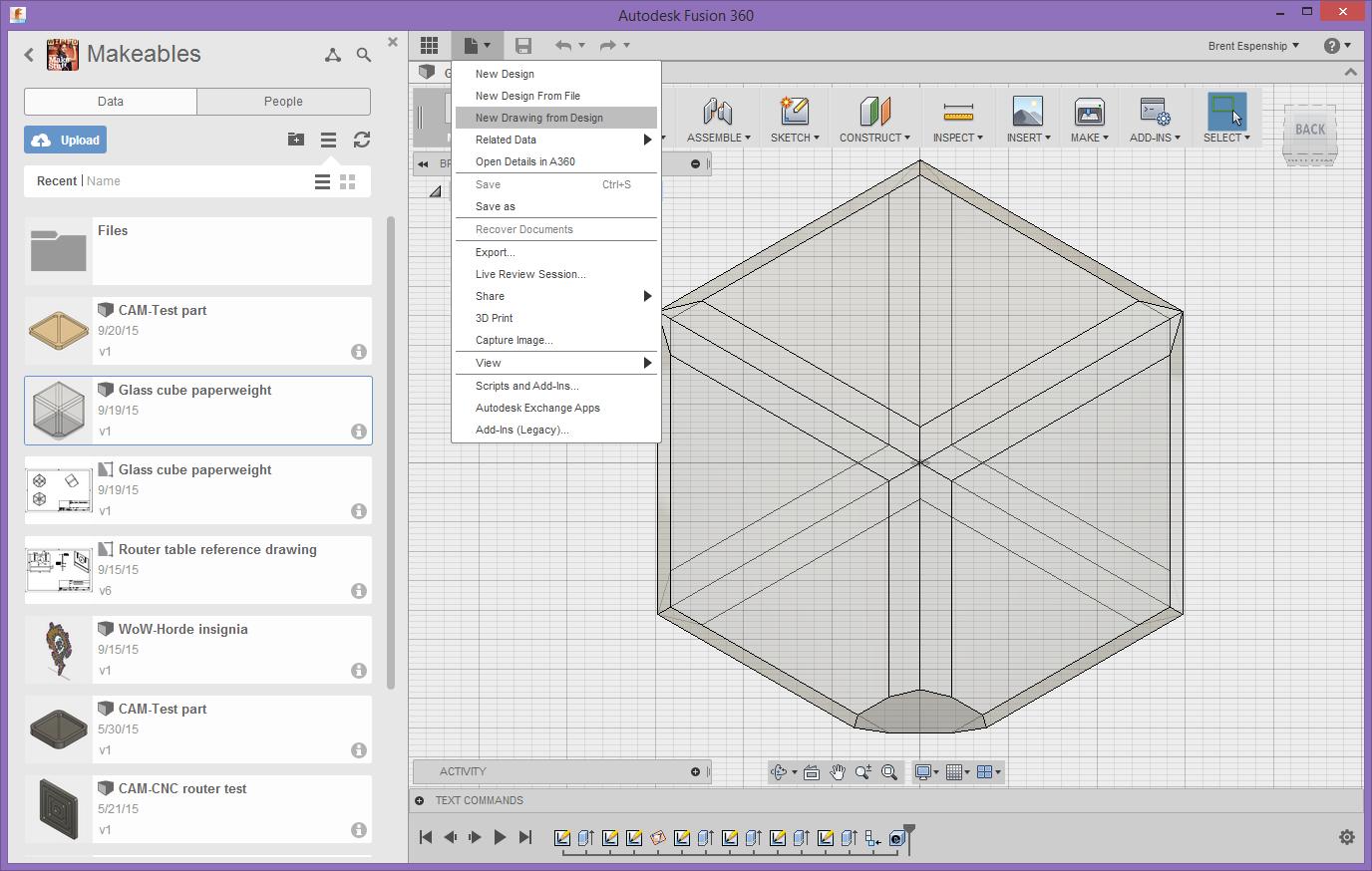
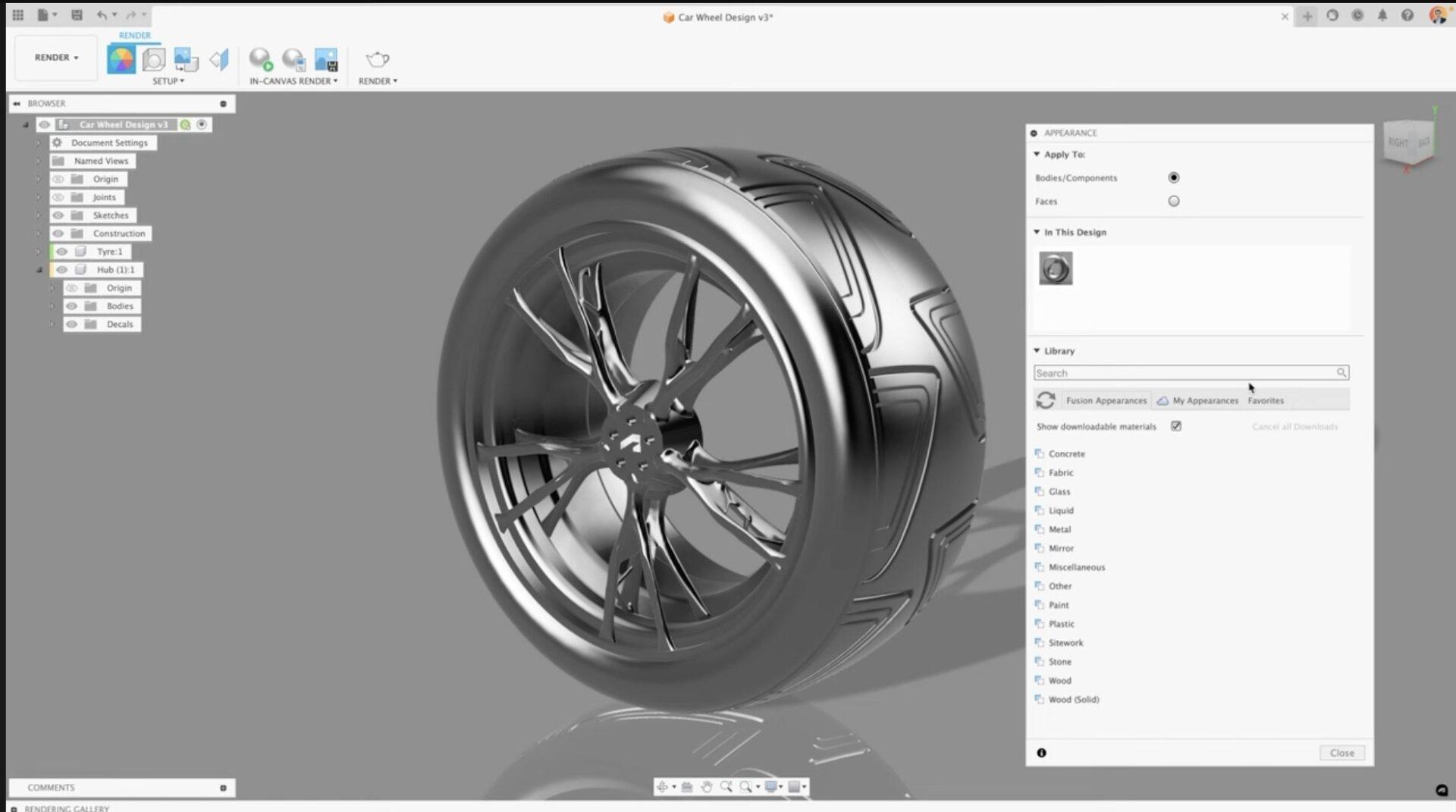
Autodesk Fusion 360 (Free Home Version)

Function: 3D CAD design, modeling, and CAM — toolpath generation.

Where to get it: Free personal-use version from Autodesk’s website.

  • Create detailed digital models of parts.
  • Generate precise dimensions and drawings.
  • Simulate machining operations before cutting material.
Tool Supplier

Little Machine Shop

Function: Supplier of small-scale machining tools and accessories.

Where to get it: Pasadena, CA and online.

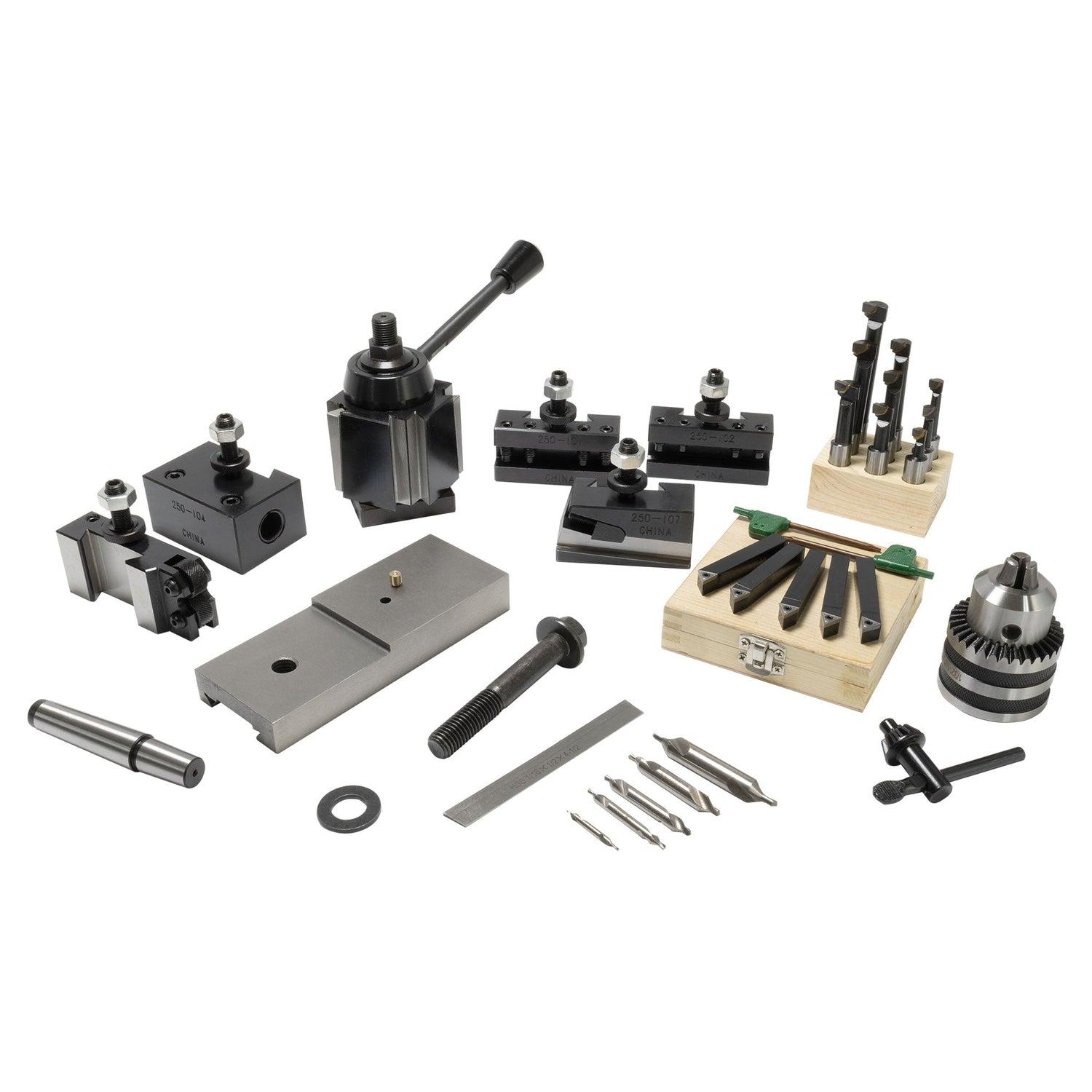
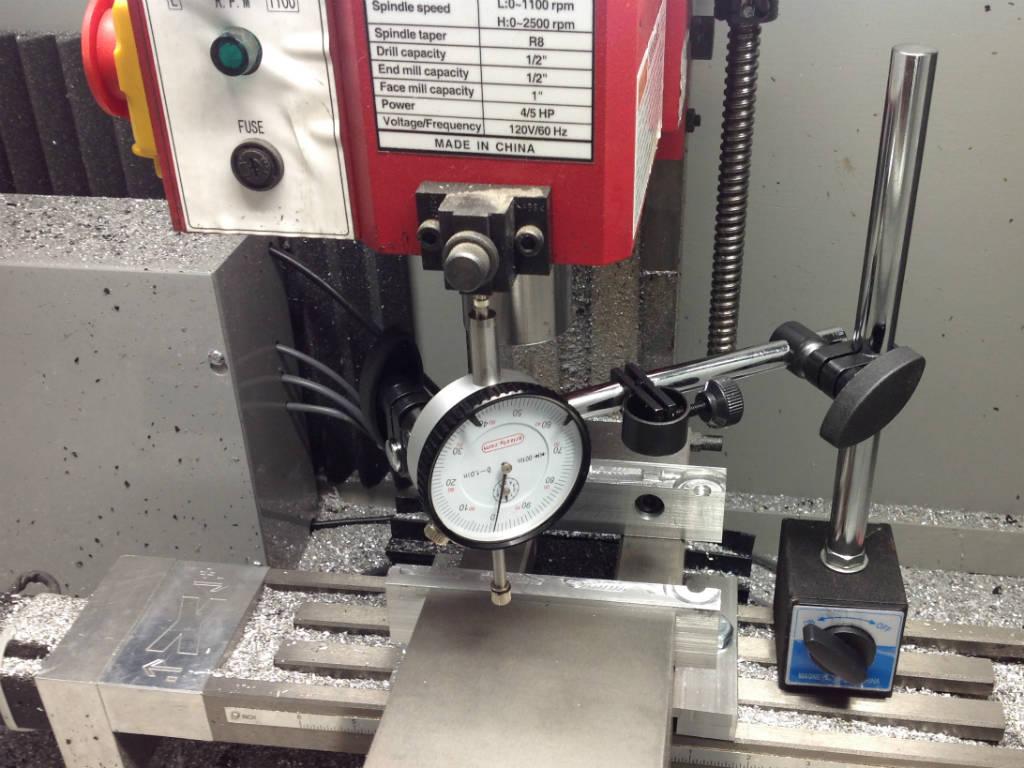
  • Milling equipment and accessories.
  • Rotary tables, indicators, cutters, setup tools.
  • Turns a basic mill into a working shop.
Milling Machine

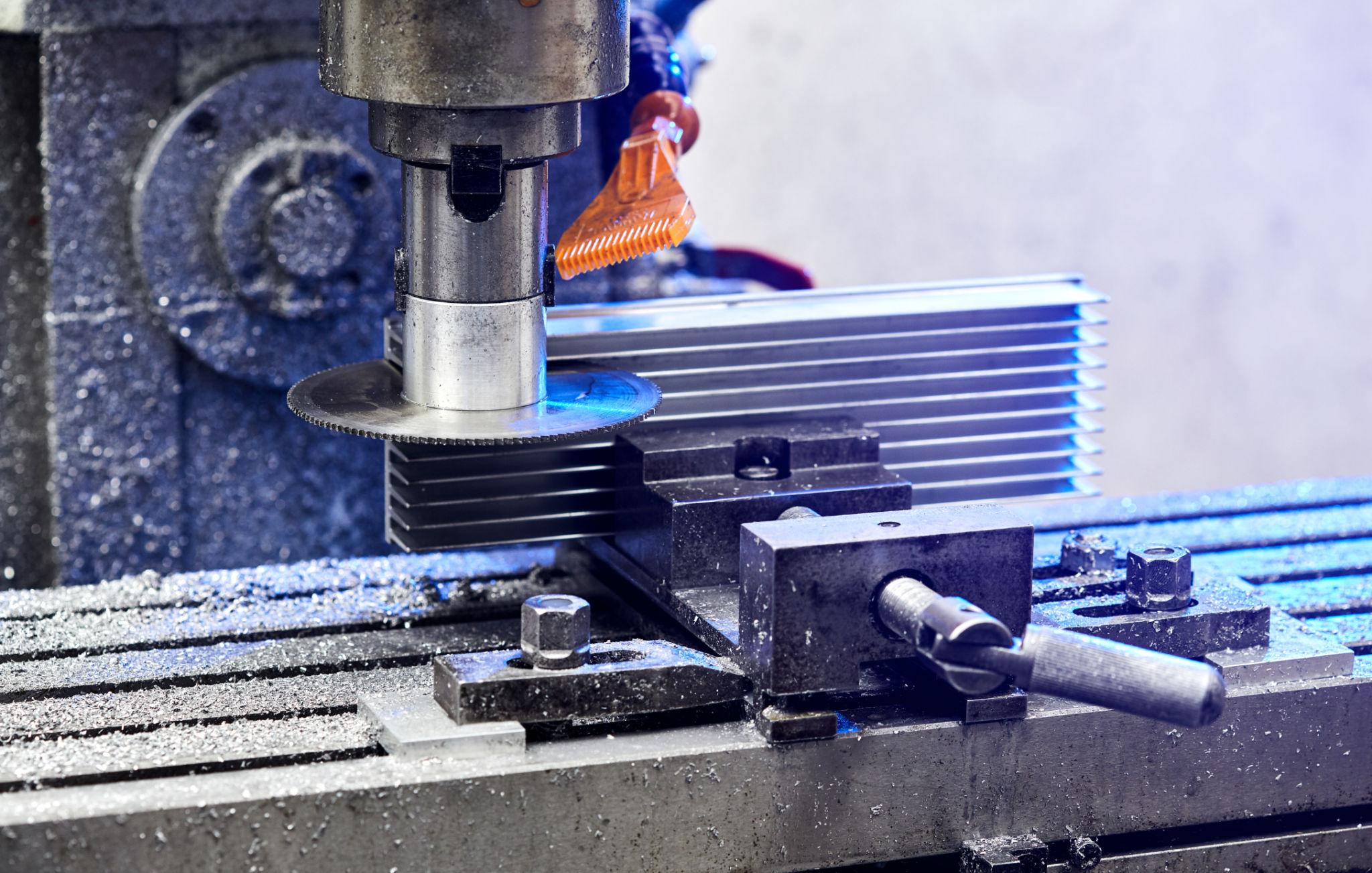
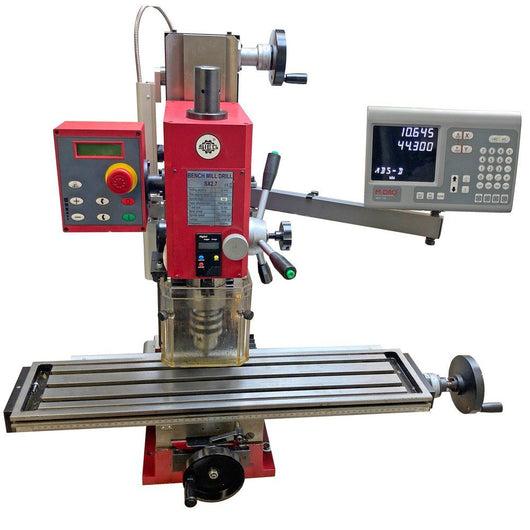
SIEG Bench Top Mill with Digital Readout

Function: Precision cutting and shaping of metal.

  • Cut flat surfaces, slots, and pockets.
  • Use DRO for precise positioning.
  • Create custom non-kit parts.

Lathe

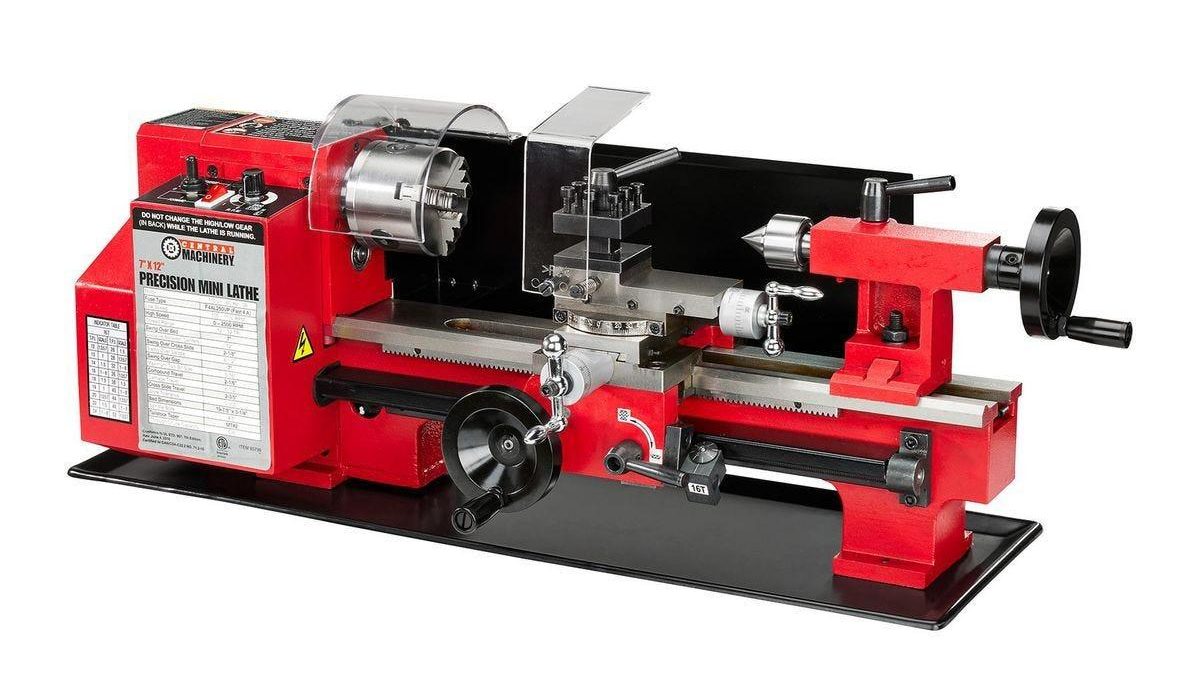
Harbor Freight Lathe

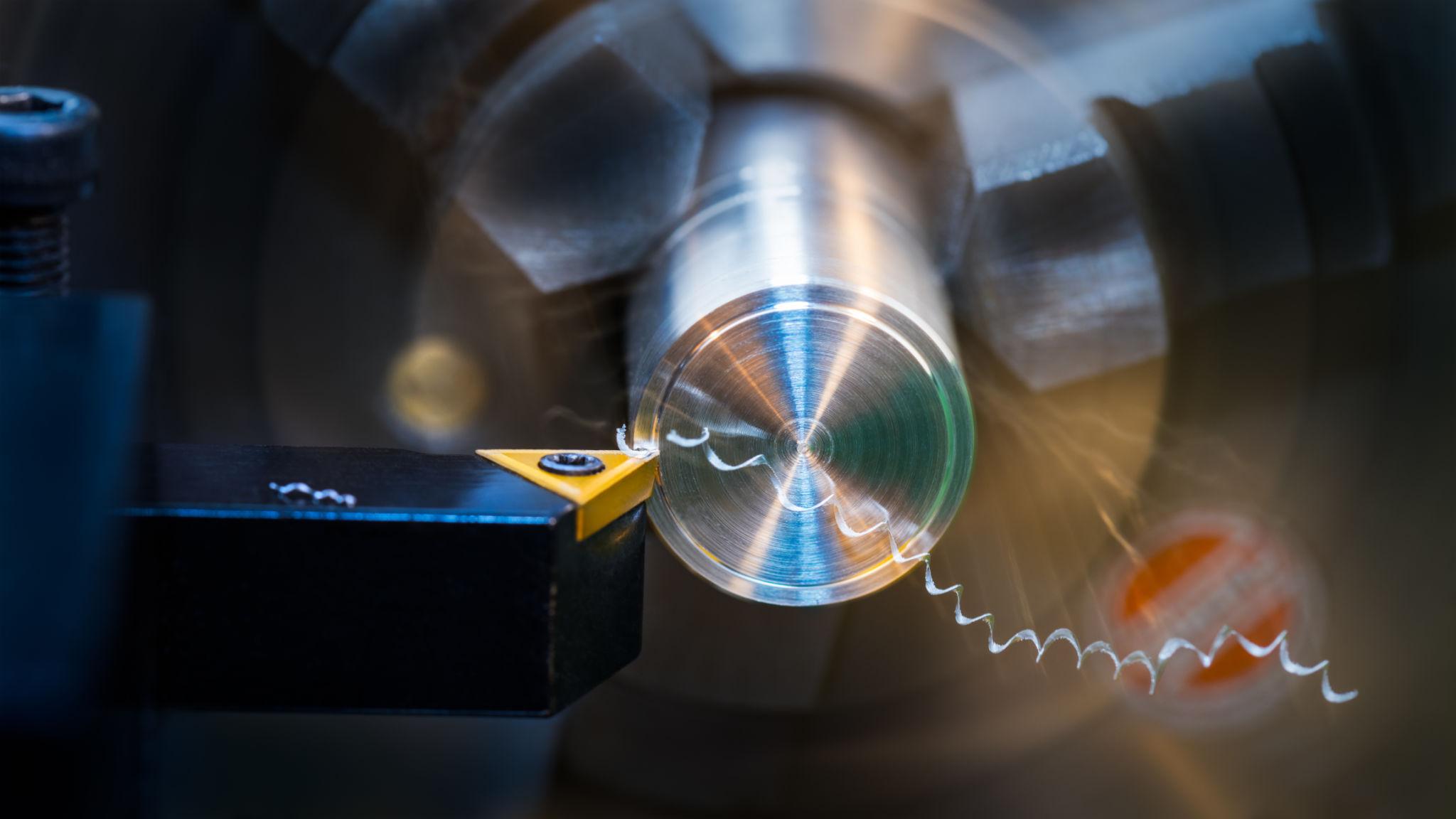
Function: Turning cylindrical parts.

  • Shape spinning material.
  • Create shafts, rods, bushings.
  • Complements the mill.

Skillset

Self-Taught Machining Practice

Function: Turning ideas into real parts.

  • Translate CAD into machining steps.
  • Iterate and refine.
  • Develop real-world judgment.

Leave a Reply