The examples in this video were generated by Python from small program files. Run them on your own computer to explore interactive screen displays where you can adjust parameters, replay simulations, and examine how the results change. The collection also includes artwork and animated mathematical proofs.
These examples were designed through conversations in ChatGPT, which then supplied prompts for Codex to build them into the Perco repository and its downloadable ZIP package. They serve as starting points—examples of what you can build and do with Perco on your own computer. Choose something that interests you, ask for a change, and explore what happens.
ASCII art turns geometric descriptions into pictures made from text. This example creates artwork using ordinary characters, showing how a compact program can translate a description into a visible result.
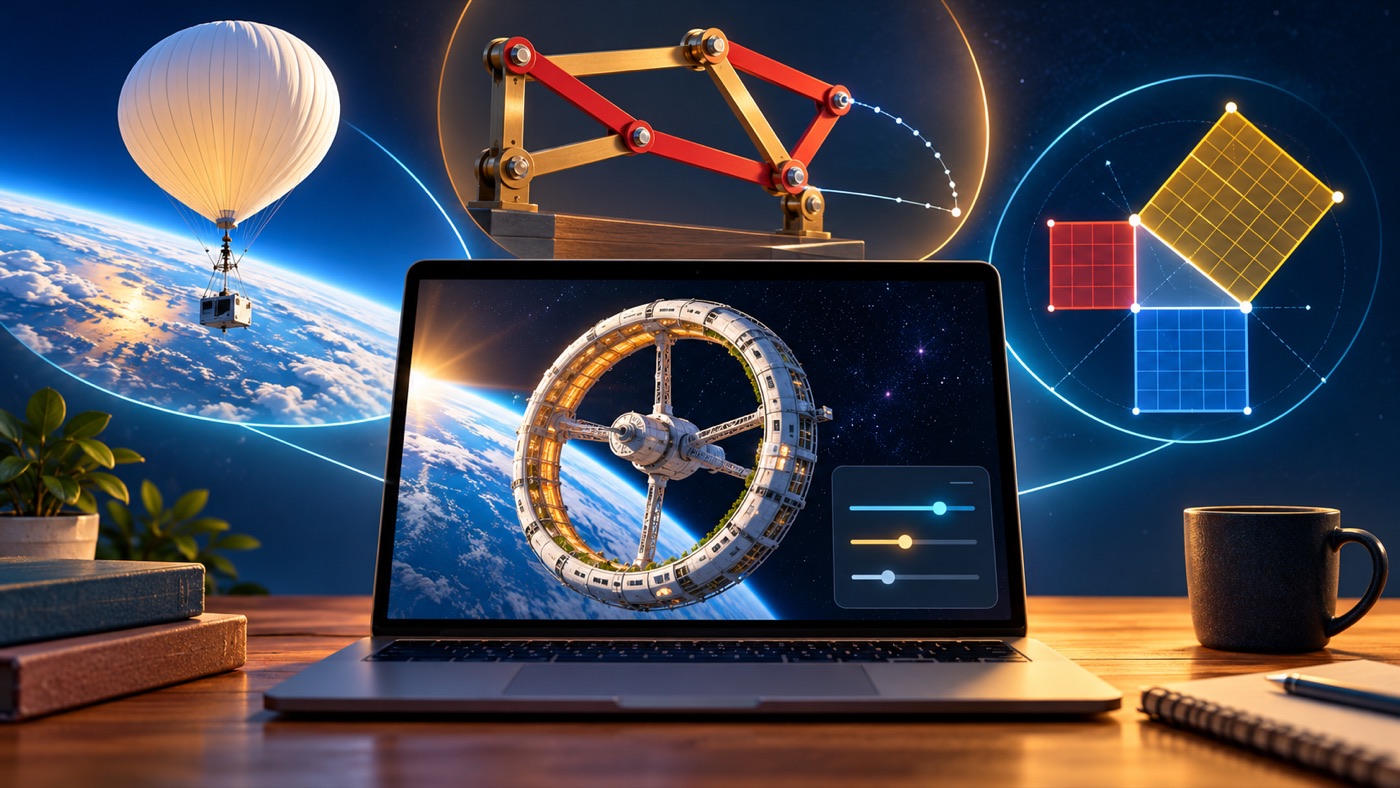
A rotating space station explores artificial gravity. Change the station’s diameter and rotation rate to see how they affect the acceleration experienced at its rim.
A traffic jam shows how a small obstruction creates a growing queue. Vehicles slow and collect upstream of a barrier. Remove the obstruction and watch traffic recover as the release travels through the queue.
A weather balloon expands as it climbs. Follow a helium balloon through the atmosphere as falling pressure allows the gas to expand, eventually reaching the balloon’s burst diameter. Adjust the starting conditions and replay the ascent.
A lunar mass driver illustrates a launch toward L5. A payload leaves the Moon and follows a prescribed looping path toward the target. This conceptual animation provides a starting point for discussing a more detailed orbital model.
Two piston engines reveal different operating cycles. Watch two-stroke and four-stroke engines running at the same crankshaft speed. Compare piston motion, intake, compression, ignition, and exhaust—and see why their power strokes occur at different frequencies.
The Peaucellier–Lipkin linkage turns circular motion into a straight line. Connected rigid rods guide a tracing point along an exact straight path. Adjust the linkage dimensions and motion to explore the geometry behind the mechanism.
An animated Pythagorean proof makes the areas visible. Follow geometric constructions and rearrangements that demonstrate why a² + b² = c². The interactive version lets you pause, step through the argument, and connect equation terms with their corresponding shapes.
The irrationality of √2 becomes a visual argument. Animated geometry and algebra follow the assumption that √2 can be written as a fraction, then reveal the contradiction. Replay or step through the proof to examine each part.
Pick an example, run it, and make it your own. Your next project can begin with a simple question: “Could we make something that shows…?”